Codes
Build Your World Roblox codes status for Nov 2026: no verified active promos yet, plus where new codes appear and how to redeem them.
View all CodesCodes, builds, and cozy plot guides
Unofficial Build Your World Roblox wiki: codes, furniture tiers, plot builds, base defense, private servers, and cozy sandbox guides.
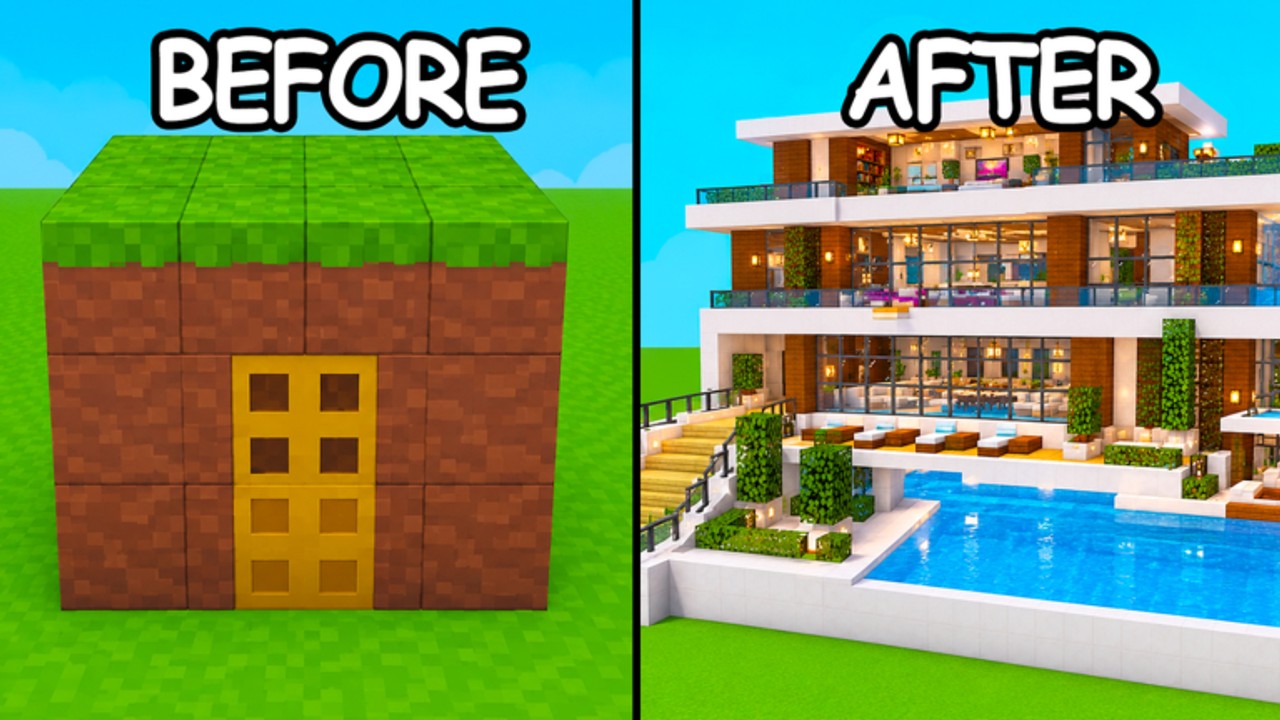
Build Your World by Cozy Games! is a free Roblox cozy plot sandbox where you place blocks and furniture, raise horses and pets, and survive (or cause) TNT and tornado chaos — with free private-server saves so your world sticks. Start with the Getting Started guide, redeem codes, compare picks on the tier list, learn to protect your base, dig into how to build, browse scripts, and track every patch on updates.
Build Your World Roblox codes status for Nov 2026: no verified active promos yet, plus where new codes appear and how to redeem them.
View all CodesBuild Your World guides covering plot claims, base building, pets, horses, TNT defense, free private servers, and PC/mobile controls.
View all GuidesCommunity S/A/B/C tier lists for Build Your World furniture, blocks, and pets with clear scoring—not official Cozy Games rankings.
View all Tier ListVisit Build Your World plots with care: multiplayer etiquette tips, finding co-builders, and reporting TNT or tornado griefing now.
View all PlayersBuild Your World patch tracker: Oct 2026 launch, furniture and block additions, and November 2026 activity for the Cozy Games! sandbox.
View all UpdatesBuild Your World scripts reality check: no verified dedicated tools yet, plus executor risks and the features players usually want.
View all ScriptsBuild Your World tools hub with a controls cheat-sheet, plot building checklist, and quick links for furniture, pets, and base defense.
View all ToolsBuild Your World wiki map: official Roblox link, hub index, launch facts, and where to find codes, guides, updates, and safety notes.
View all LinksJoin Build Your World, pick a plot, and follow Getting Started for controls, first blocks, and how the cozy sandbox loop works. For claim persistence tips, see Claim and Save; keep Controls handy while you build.
Check the Codes hub for working Build Your World promo codes, then redeem them in-game for furniture, currency, or boosts as soon as Cozy Games! drops new ones.
Use the Furniture Tier List and the main tier list hub to decide which pieces are worth your gems before you decorate every corner of the plot.
Public servers can get chaotic. Read Protect Your Base for walls, traps, and recovery tips, and skim TNT and Tornadoes before you practice chaos tools.
Want a lasting cozy world with friends? Follow Private Servers to set up free saves, invite your crew, and keep horses, pets, and builds between sessions.
Quick answers to the most common questions.
Build Your World by Cozy Games! is a free cozy plot sandbox: place blocks and furniture, raise horses and pets, and deal with TNT or tornadoes. Builds can persist on free private servers. Start with Getting Started.
Read the Getting Started guide, skim Controls, claim any Codes, then browse the Furniture Tier List before spending currency.
Use walls, smart furniture placement, and awareness of TNT or tornado tools. Our Protect Your Base guide covers defense patterns; for a safer long-term world, use Private Servers.
Yes — Build Your World supports free private-server saves so your plot, furniture, horses, and pets can persist. Follow Private Servers for setup and invite tips.
No. This is an unofficial fan wiki for Build Your World on Roblox. Always confirm codes and patch notes through Cozy Games! and the official Roblox experience page.
This wiki supports: English, Français, Deutsch, Español, Português (BR). Configure locales in site.meta.json and run npm run generate:i18n.
From first blocks to furniture flex and base defense, our guides cover every Build Your World mechanic. Start with the Getting Started guide, grab codes, or open the tier list.
Start with the beginner guide