Build Your World Guides Hub
Practical walkthroughs for Cozy Games!' plot sandbox — from first claim to fortress saves.
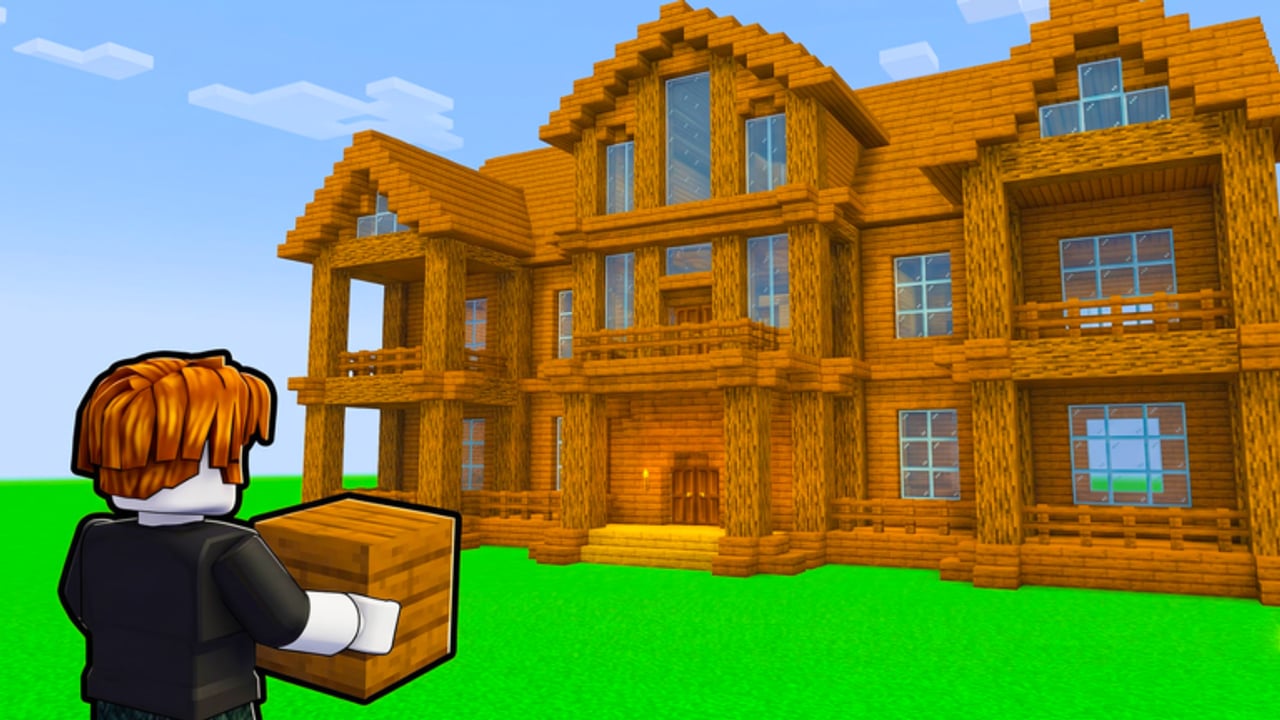
Welcome to the Guides Hub for Build Your World by Cozy Games! on Roblox. This simulation sandbox launched on 2 October 2026 and has been updated through November 2026. Players claim a plot, place hundreds of block types plus 100+ furniture pieces, ride horses, raise pets, build with friends, and either defend or troll with TNT and tornadoes. Public servers hold up to 8 players. Builds persist in free private servers.
Use this hub as your map. Each guide below is written for real session goals — not fluff — so you can jump from first login to a saved base without wasting a night of building.
Start here if you are new
- Getting Started — claim a plot, learn the loop, and finish a usable starter house.
- Claim and Save — hop under high CCU, free private-server workflow, and public showroom vs private workshop myths.
- Controls — PC and mobile inputs so placement feels intentional.
- How to Build — workflow for blocks, furniture, and cleaner layouts.
After those, decide whether you want chaos, co-op, quiet saves, or a themed house plan.
Core systems covered on this wiki
Building and plots
Build Your World is a plot-first sandbox. Your claim is the canvas; blocks form structure; furniture sells the vibe. Read How to Build for placement order, foundations, and common mistakes. Need inspiration? House Ideas covers cozy cabin, modern shell, ranch + horse loop, bunker-cozy hybrid, patio living, kids rooms, and showroom galleries. Compare options on the Blocks Tier List and Furniture Tier List when you want ranked picks instead of a walkthrough.
Defense and chaos
Servers mix builders and trolls. TNT and tornado tools can erase hours of work if you leave walls thin and doors open. Protect Your Base covers layered walls, air gaps, safe rooms, and when to move work into a private server. TNT and Tornadoes explains offense vs defense, consent-only practice on private copies, and reporting. Pair both with Private Servers and Claim and Save so long projects survive griefing and full lobbies.
Pets, horses, and co-op
Horses speed travel around the map; pets add life to a finished plot. Pets and Horses explains care loops and riding basics. For friends on the same project, keep roles clear: one places structure, one furnishes, one watches for griefers. Server size is 8, so small crews fit well.
Shop, codes, scripts, players, updates
- Shop & Gamepasses — honest status when the public gamepass API is empty; in-client checks only; scam warnings.
- Codes — as of November 2026 there are no verified active promo codes; check the hub before chasing outdated lists.
- How to Redeem Codes — steps ready for when Cozy Games! publishes gifts.
- Scripts — community automation notes (use at your own risk).
- Players — notable builders and creators.
- Updates / November 2026 notes — patch notes and growth snapshot since launch.
Recommended reading order
| Goal | Open these guides |
|---|---|
| First hour | Getting Started → Claim and Save → Controls |
| Pretty base | How to Build → House Ideas → Furniture Tier List |
| Survive public lobbies | Protect Your Base → TNT and Tornadoes → Private Servers |
| Animals | Pets and Horses → Pets Tier List |
| Spending / freebies | Shop & Gamepasses → Codes |
| Stay current | November 2026 notes → Updates |
Session tips that apply to every guide
- Claim early. Empty plots fill when concurrency climbs (often ~20K–24K+ live/peak CCU with about ~3.35M visits by mid-November 2026).
- Save serious builds in free private servers. Public lobbies are for social play and stress-testing defenses — not for your only copy of a mega-house.
- Build structure before decoration. Walls and roofs first; furniture second. That order cuts rebuild time after TNT.
- Watch the lobby. Eight-player rooms change tone fast when someone pulls tornado tools.
- Verify shops in-client. Do not trust off-site anti-grief passes or fake code generators.
- Bookmark this hub. New walkthroughs land under Guides as the game updates through late 2026.
What these guides do not invent
We do not invent promo codes, fake YouTube embeds, unverified gamepass catalogs, or unverified patch claims. When a mechanic is unclear in-game, the guide says so and points you to Updates or the official Roblox place page. Prefer practical checklists over hype.
Next steps
Pick Getting Started if your plot is empty. Jump to Claim and Save when lobbies are full. Use Protect Your Base or TNT and Tornadoes if griefers already found you. Browse House Ideas before a themed rebuild. Use Private Servers before you invest a whole weekend into one build. For ranked block and furniture picks, open the Tier List Hub and drill into blocks, furniture, or pets.
Build carefully, save often in private servers, and treat public servers as shared playgrounds — not permanent museums.
Frequently Asked Questions
Quick answers to the most common questions.
Which Build Your World guide should I read first?
Start with Getting Started for plot claiming and the first-hour loop, then Claim and Save, Controls, and How to Build. Add Protect Your Base before you spend a long session in a public lobby.
Do builds save automatically on public servers?
Treat free private servers as the reliable save path for serious projects. Public lobbies are better for social building and testing defenses; do not assume a public plot is a permanent archive.
Are there working promo codes right now?
As of November 2026, no verified active promo codes have been published for Build Your World. Check the Codes hub before redeeming lists from random videos.
How many players fit in one server?
Server size is 8. That keeps co-op cozy but also means one or two griefers can pressure the whole lobby — plan defenses or move to a private server.
Where do I find block and furniture rankings?
Use the Blocks Tier List and Furniture Tier List under Tier List. Guides explain workflows; tier pages compare options. House Ideas suggests themes that use those picks.
Where is the shop / gamepass list?
See Shop & Gamepasses for honest status. The public gamepass API check was empty — confirm any purchases inside the official Roblox client only.