Build Your World Updates
Launch notes, furniture drops, and what changed through November 2026.
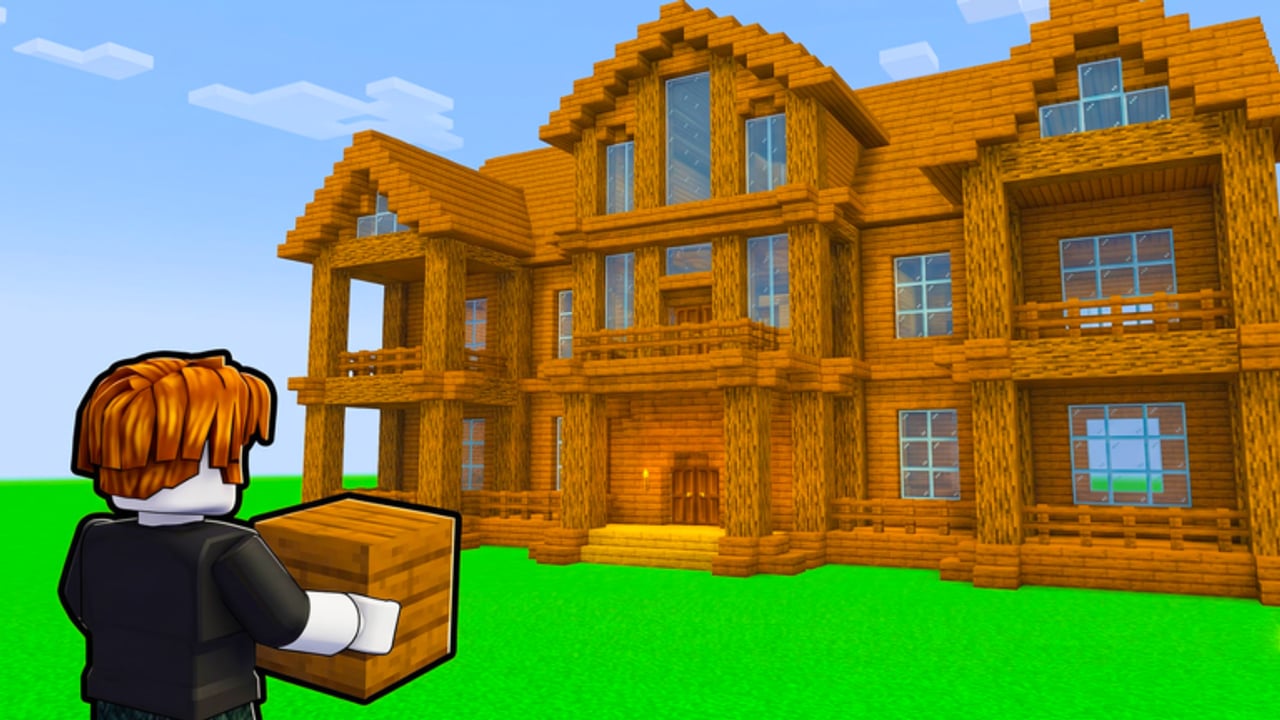
Track Build Your World patches here. Published by Cozy Games! on Roblox, the experience opened on 2 October 2026 as a plot-focused sandbox: place blocks, decorate with a growing furniture catalog (100+ pieces and climbing), care for horses and pets, weaponize TNT or tornadoes for trolling, and harden your base — all with free private-server saves and a social cap of 8 players per server. This Updates Hub summarizes the launch window, the ongoing content cadence, and what players should recheck after each drop. Deep tutorials live under Getting Started and Protect Your Base; freebie status stays on Codes.
By mid-November 2026 the game sits near ~3.35M visits with live/peak concurrency often around ~20K–24K+ (up from roughly ~1.5M visits / ~12.8K peak earlier in the growth curve). That climb usually means fuller lobbies, more grief pressure, frequent furniture packs, and scam pages inventing codes — not a single giant “1.0” manifesto. Start with the dated child page November 2026 Update Notes, then jump into builds with the Tier List Hub and companion notes on Players.
Dated notes on this wiki
- November 2026 Update Notes — ~12 Nov platform update recheck, visit growth ~1.5M → ~3.3M, CCU spikes near ~24K, codes still none, and links to new guides (Claim & Save, TNT & Tornadoes, House Ideas, Shop & Gamepasses).
Launch — 2 October 2026
The October launch established the fantasy players still chase today:
- Plot claim and block building as the core loop
- A sizable furniture catalog for cozy or chaotic interiors
- Horses and pets as living decorations and status pieces
- TNT / tornado tools that make public servers spicy
- Base protection systems so grief is a choice, not a constant wipe
- FREE private-server saves so serious builders can keep worlds without paying for persistence
- Soft server size 8 for readable social sessions instead of megaserver noise
If you missed week one, you are not behind on a battle pass — you are behind on plot practice. Follow the onboarding path in Getting Started, lock claim habits via Claim and Save, then harden with Protect Your Base before you invest rare furniture on a public plot.
Post-launch cadence (October → November 2026)
After release, Cozy Games! style sandboxes typically ship in small, frequent slices. For Build Your World, community-facing activity through November 2026 centers on:
Furniture and prop additions
Expect staggered catalog growth: seating sets, kitchen props, outdoor pieces, lighting, and seasonal decorations. When a pack lands, revisit the Tier List Hub and House Ideas before spending — new does not always mean better for every plot theme.
Block and material variety
Structural blocks, paths, fences, and palette swaps expand what “finished” looks like. Screenshot your plot before big material swaps so you can roll back ideas on a private save.
Pets, horses, and companion polish
Movement, spawn behavior, and display poses often receive quiet fixes. Keep species and rarity notes aligned with Players as the roster grows.
Trolling vs protection balance
TNT and tornado tools define the social contract. Patches may tune blast radius, cooldowns, or claim defenses. After any balance note, reread Protect Your Base and TNT and Tornadoes before you rebuild walls the old way.
Performance and save reliability
Free private-server saves only matter if they restore cleanly. If a patch mentions datastore or save fixes, rejoin your private world once and confirm furniture counts before hosting friends — especially after the ~12 November 2026 platform update window detailed in November 2026 notes.
November 2026 activity snapshot
Heading through November, player attention clusters around practical questions:
- What furniture is new this week? — check in-game catalog first, then rank it on the tier list.
- Did protection or platform rules change? — verify claim coverage and private loads after the mid-November update.
- Any codes yet? — still none verified as of November 2026; see Codes Hub and How to Redeem so you are ready when a milestone drop appears.
- Any gamepasses? — public API checks were empty; confirm in-client only via Shop & Gamepasses.
- Why are plots full? — ~3.3M visits and ~24K CCU spikes fill 8-player servers; hop smarter with Claim and Save.
Script seekers also spike after updates. There are still no widely verified dedicated scripts for this exact title; the Scripts Hub explains risks and the features people ask for without fake loadstrings.
How to read future patch notes on this wiki
When we add dated child pages under Updates, each entry should answer:
- What shipped (furniture, blocks, animals, tools, UI)
- What broke or got fixed (saves, claims, collisions)
- What you should do in-game today (rebuild, reclaim, re-save)
- What wiki pages changed (codes table, tier list, protection guide)
November 2026 Update Notes is the first dated child following that template. Confirm live details in the Roblox experience linked from the Wiki overview.
Player checklist after every update
- Skim the Roblox experience description and any official group shout.
- Rejoin once on a private server and confirm your save loaded.
- Walk your claim edges — protection quirks show up at boundaries.
- Open the furniture catalog and note new IDs worth ranking.
- Check Codes for celebration strings after visit or like milestones.
- Avoid random executor “update fix” scripts; see Scripts.
- Adjust your build plan with Tier List, House Ideas, and Getting Started tips.
- Recheck Shop & Gamepasses only inside the official client.
Why update tracking matters in a sandbox
Combat games shout about balance patches. Builders whisper about catalog SKUs and save bugs — but those quiet changes decide whether your horse clip fits through the new barn door. Build Your World’s identity sits between cozy decoration and light chaos. Staying current means fewer wiped evenings and smarter currency spends as the catalog climbs past the initial 100+ furniture baseline — especially when concurrency sits in the 20K–24K+ band.
Related hubs
- November 2026 Update Notes — dated mid-Nov checklist
- Codes Hub — honest empty active list plus watch channels
- Scripts Hub — safety-first stance for a new title
- Players — companions and roster-style notes
- Tier List Hub — what to craft or buy first
- Guides Hub — claim, build, TNT, house ideas, shop honesty
- Wiki / official links — canonical Roblox URL and community pointers
Keep this Updates Hub bookmarked alongside your favorite private-server save. October launched the sandbox; November scaled visits past 3M and made smart claiming and private saves non-optional. Whatever December brings, check here — and the November 2026 child — before you demolish last month’s meta living room.
Frequently Asked Questions
Quick answers to the most common questions.
When did Build Your World release?
Build Your World by Cozy Games! released on Roblox on 2 October 2026 as a plot sandbox with blocks, furniture, pets/horses, and free private-server saves.
What kind of updates should I expect?
Ongoing furniture and block additions, companion polish, and tuning for TNT/tornado grief versus base protection — typical for an early sandbox still climbing visits.
Did November 2026 add promo codes?
No verified working promo codes have been confirmed as of November 2026. Watch the Codes Hub after milestone patches.
Should I rebuild my base after every patch?
Not always. After protection, platform, or explosion tuning, inspect claim edges and critical walls. Use a private-server save as your safe copy before major demolitions. See November 2026 notes for the mid-month recheck list.
Where do I go for gameplay help after reading updates?
Use Getting Started and Claim and Save for onboarding, Protect Your Base plus TNT and Tornadoes for grief defense, House Ideas for themes, Tier List for furniture priorities, and Shop & Gamepasses for honest monetization status.
How large is the player base now?
As of mid-November 2026, snapshots sit near ~3.35M visits with live/peak CCU often ~20K–24K+, up from roughly ~1.5M visits earlier in the growth window.