Build Your World Claim a Plot and Save Your Build
How to lock a canvas under busy lobbies — and where keeper projects actually persist.
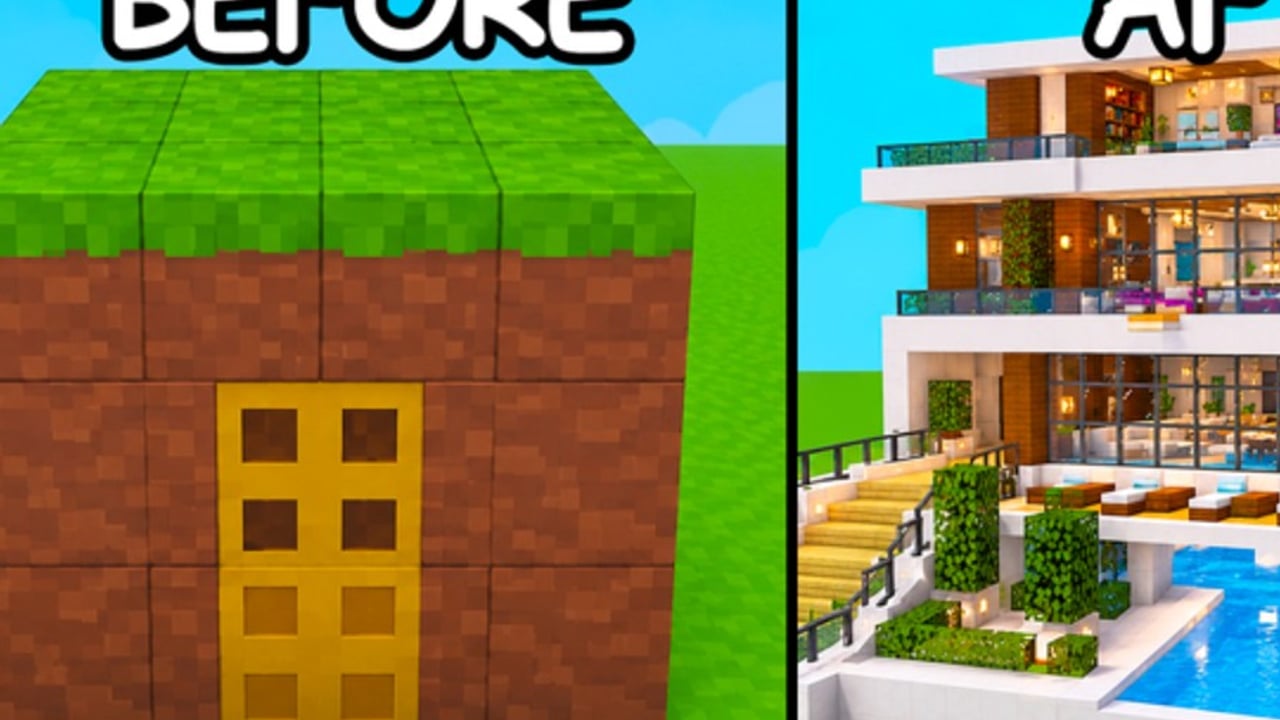
Claiming is the first real action in Build Your World; saving is the habit that decides whether tonight’s house still exists tomorrow. Published by Cozy Games! on Roblox, the sandbox released 2 October 2026 and continues through November 2026 with plot building, 100+ furniture pieces, horses, pets, TNT/tornado tools, and free private-server saves. Servers hold 8 players. Mid-November snapshots sit near ~3.35M visits, often ~20K–24K+ concurrent players, and about ~9.2K favorites — busy enough that empty pads disappear fast.
Official experience: Build Your World on Roblox.
If you only remember one rule: public plots are canvases; free private servers are archives. Everything else on this page supports that split.
Claim flow (public lobby)
- Join the Cozy Games! place linked above (avoid similarly named builders).
- Scan for an unclaimed plot pad as soon as you load.
- Walk onto a free pad and claim immediately — do not tour the whole map empty-handed.
- Confirm the UI shows the plot as yours before you place a foundation.
- Shell a tiny footprint first so the claim feels “used” and you have a respawn mental anchor.
New to the loop? Pair this page with Getting Started for the first-hour build order.
If claiming fails
- Leave and rejoin once — soft join bugs happen.
- Make sure you are not standing on someone else’s already claimed pad.
- Avoid building a half-house on land you never successfully claimed.
Full servers and hop tips under high CCU
With only 8 players per server and live/peak concurrency often in the 20K–24K+ range, “every plot taken” is normal at peak.
Hop checklist
- Spend under 60 seconds deciding a lobby is full — lingering does not spawn new pads.
- Prefer servers where you see open ground or unfinished claims, not finished mansions on every pad.
- If friends are hosting, join their private server instead of rolling public dice (Private Servers).
- On mobile, stabilize controls after each hop before placing blocks (Controls).
- Once claimed, place foundation + walls quickly so you are invested before the next chaos spike.
Social hop etiquette
- Do not steal a pad a player clearly just walked toward if chat shows they are claiming.
- If you arrive mid-grief war, hop again — a free pad next to active TNT is not a gift.
- Bookmark calm off-peak hours for large public showcases.
Free private-server save workflow
Build Your World highlights free private servers for persistence. Treat them as the default home for keeper work:
- Host a private server from the Roblox flow for this place.
- Invite only the builders you trust for this project.
- Restate grief rules in chat (usually: no TNT without consent — see TNT and Tornadoes).
- Continue the real build here; do not assume a public pad mirrors it automatically.
- After milestones, walk the whole plot once before logging off so missing roofs are obvious.
- Optionally keep a separate public showroom that you accept may need repairs.
Deep habits and co-op agendas: Private Servers.
Public showroom vs private workshop
| Role | Public plot | Free private server |
|---|---|---|
| Learning tools | Excellent | Optional |
| Meeting strangers | Yes | Invite-only |
| Keeper mansion | Risky | Recommended |
| Furniture gallery with rares | Fragile | Best |
| TNT practice | Risky to others | Use a disposable copy |
| Portfolio screenshots | Possible | Preferred |
Showroom pattern: harden a readable shell publicly (buffers, double walls from Protect Your Base), furnish with replaceable sets, and point friends to your private workshop for the full collection.
Workshop pattern: private-only until the roof is sealed and the palette is locked, then decide whether a public replica is worth the grief tax.
Save myths (and the honest fixes)
Myth: “If I build long enough publicly, it must be saved forever.”
Fix: Persistence for serious projects is why free private servers exist. Public lobbies can wipe progress through grief, resets, or simply losing the pad social contract. Archive keepers privately.
Myth: “Private servers are only for paying players.”
Fix: This title markets free private-server saves. Use them. Robux caution belongs on the Shop & Gamepasses page — not as an excuse to skip private hosting.
Myth: “I can rebuild from memory after tornadoes.”
Fix: You can, but you will not want to after a three-hour furniture pass. Clone ideas privately before public stress tests.
Myth: “Codes will grant extra save slots soon — I saw a list.”
Fix: As of November 2026 there are no verified promo codes. Fake save-slot codes are scams. Check Codes.
Myth: “Claiming later is fine; I will explore first.”
Fix: Under high CCU, exploring first often means building nowhere. Claim, shell, then explore on a horse (Pets and Horses).
Recommended session scripts
Busy peak hour (public)
- Hop until a free pad appears.
- Claim → tiny foundation → four walls → roof → door.
- Stop decorating if TNT culture erupts; either harden or leave.
- Migrate any idea you like to private before investing rares.
Calm workshop night (private)
- Host private; invite crew.
- Follow How to Build order for the real footprint.
- Furnish from the Furniture Tier List plan.
- Optional: duplicate a defense test wing for TNT practice.
- Screenshot and note next milestone.
Hybrid weekend
- Friday public: claim practice and neighbor scouting.
- Saturday private: keeper build.
- Sunday public showroom: hardened replica with cheap furniture.
Checklist
- Correct Cozy Games! place (ID path
/games/80392427444524/) - Plot claimed before major building
- Hop plan ready for full 8-player lobbies
- Keeper work assigned to a free private server
- Public showroom (if any) treated as disposable
- Defense skim finished for public nights (Protect Your Base)
- Ignored unverified code lists (Codes)
Related reading
- Getting Started — first-hour loop
- Private Servers — persistence deep dive
- Protect Your Base — public hardening
- How to Build — structure before décor
- House Ideas — themes worth saving
- Updates — patch notes that may touch saves
Claim early, hop without ego, and put anything you love in a free private server. That is the entire persistence game in Build Your World — furniture catalogs and tornadoes are just the drama on top.
Frequently Asked Questions
Quick answers to the most common questions.
How do I claim a plot when every server is full?
Hop quickly. With eight players per server and high concurrency, empty pads open in other lobbies. Spend under a minute deciding a server is full, then requeue.
Do public builds save permanently?
Treat free private servers as the reliable save path for keeper projects. Public plots are for social play and showcases you can afford to repair.
Are private servers free in Build Your World?
Yes — the experience highlights free private-server saves. Use them for serious builds instead of relying on public pads alone.
Should I explore the map before claiming?
Claim first under busy hours. Explore on a horse after you own a pad, or explore inside a friend's private server.
What is a public showroom vs a private workshop?
A showroom is a hardened public shell with replaceable furniture. A workshop is the private source of truth for rare sets and long projects.
Can codes give extra saves?
As of November 2026, no verified promo codes are published. Ignore scam lists promising save slots or anti-grief passes.